-
Food & drink
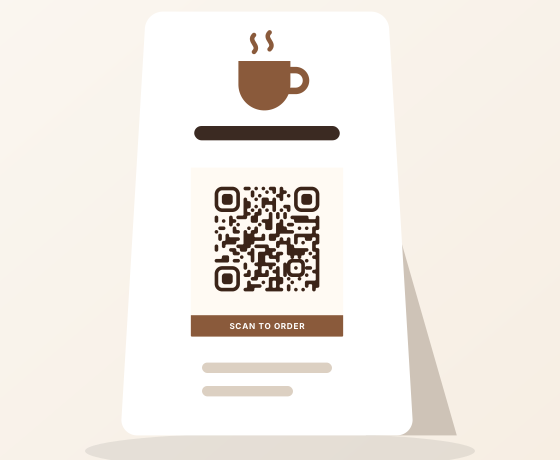
Café order card
A tent card with a label that says what happens next. Make it dynamic so the menu can change without reprinting.
- Liquid
- Soft corners
- Label · SCAN TO ORDER
-
Food & drink
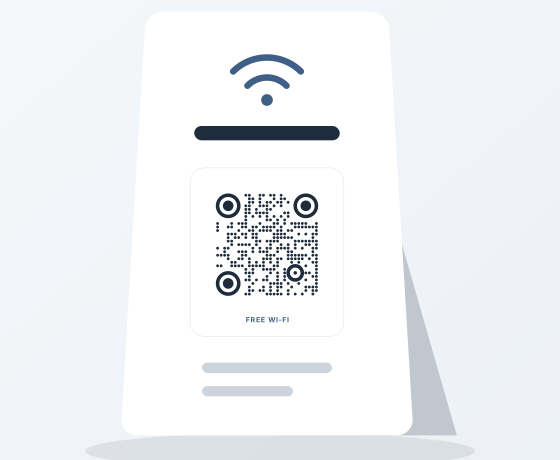
Guest Wi‑Fi card
Guests join the network in one tap, no typing. A Wi‑Fi code keeps working until you change the password.
- Round
- Circles
- Soft card · FREE WI‑FI
-
Food & drink
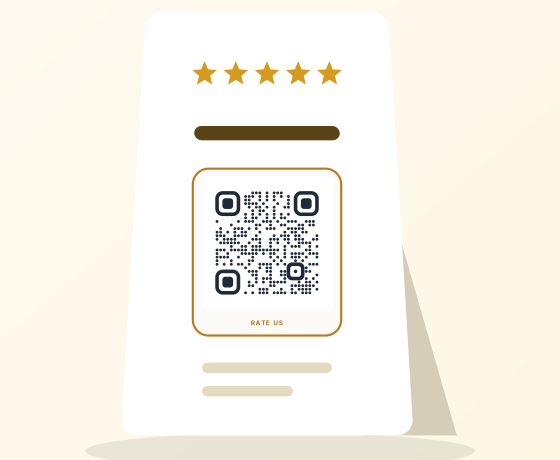
Review stand
Sits by the till and opens your review page. Gold accents echo the stars without weakening contrast.
- Round
- Soft corners
- Card · RATE US
-
Food & drink
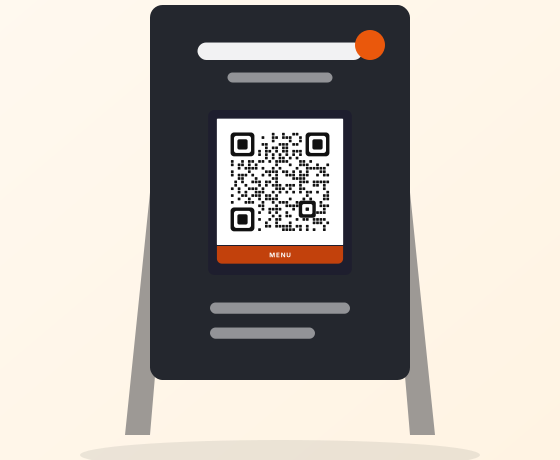
Food truck menu board
White card, dark board, orange frame: readable from the back of the queue. Link it to a menu you can edit from your phone.
- Rounded Square
- Rounded corners
- Dark · MENU
-
Retail & packaging
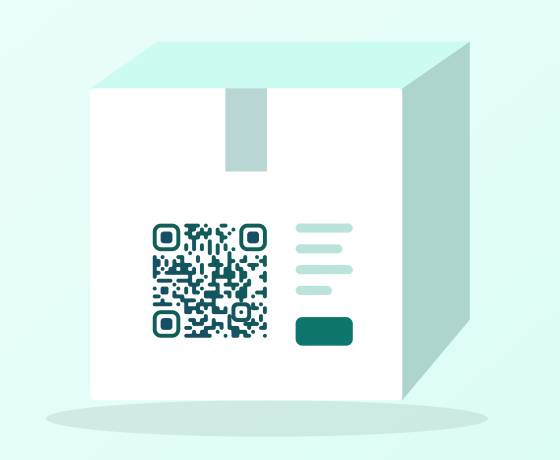
Product packaging
A liquid-dot gradient on the side panel. Send it to care instructions or a reorder page you can update between print runs.
- Liquid
- Soft corners
-
Retail & packaging
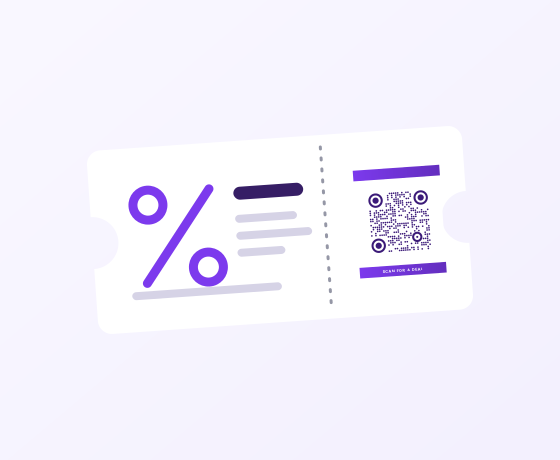
Coupon ticket
A gradient frame signals a deal before anyone reads the small print. Swap the offer each week behind the same code.
- Round
- Circles
- Gradient · SCAN FOR A DEAL
-
Retail & packaging
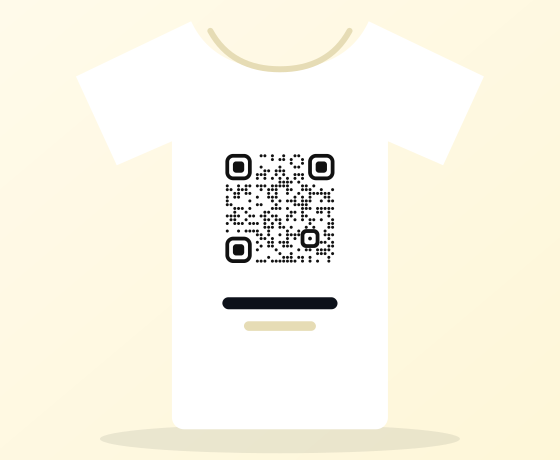
Merch T-shirt
Round dots in plain black, no frame. Fabric folds and stretches, so keep it simple and print it larger than you would on paper.
- Round
- Soft corners
-
Retail & packaging
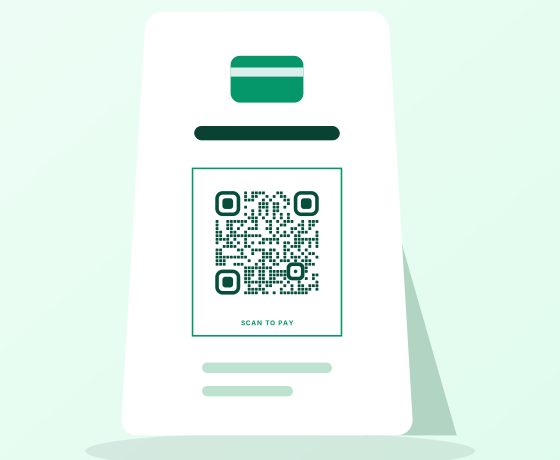
Checkout payment stand
A green frame that says “scan to pay” at the counter. Link it to your payment page so you can change providers later.
- Rounded Square
- Soft corners
- Frame · SCAN TO PAY
-
Retail & packaging
Multi-store signage
One design for every branch with a separate code per store, so each location gets its own scan count.
- Square
- Soft corners
-
Events & weddings
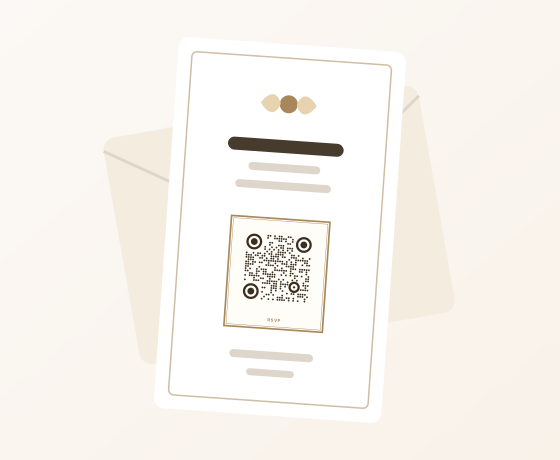
Wedding RSVP card
A double frame in muted gold that suits printed stationery. RSVP form before the day, photo album after it, same code.
- Round
- Circles
- Double · RSVP
-
Events & weddings
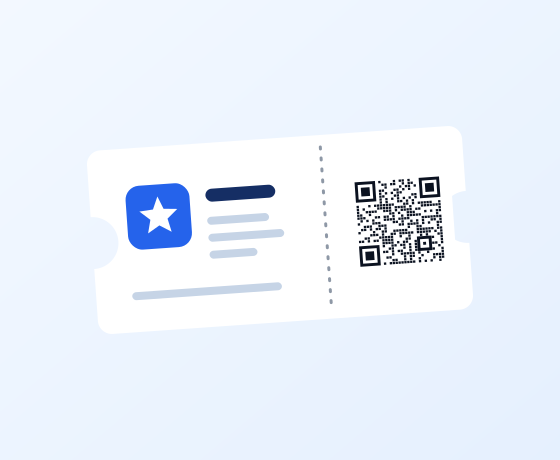
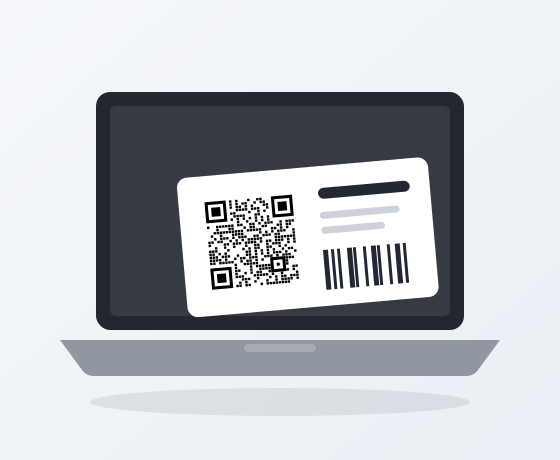
Event ticket
Square modules and plain corners scan fastest at a busy door. Black on white, nothing else.
- Square
- Square corners
-
Events & weddings
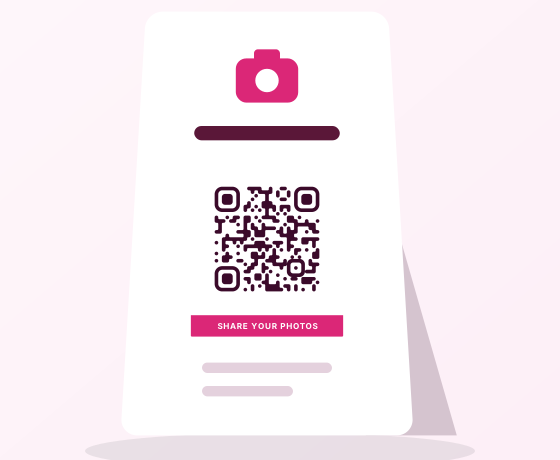
Photo sharing sign
Guests scan and upload to a shared album. A pink label stands out on a table full of flowers.
- Liquid
- Soft corners
- Label · SHARE YOUR PHOTOS
-
Events & weddings
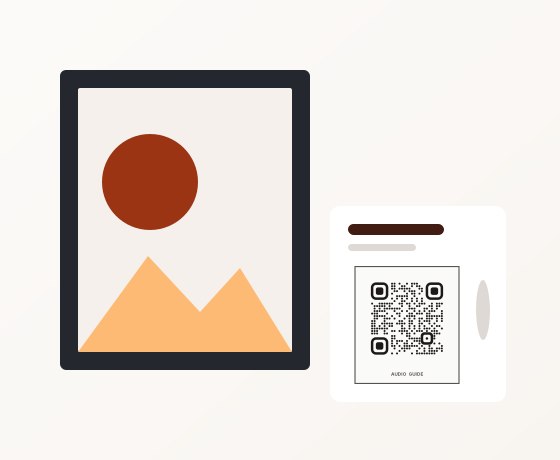
Museum audio guide label
A quiet stone-colored frame beside the work opens the audio guide. Add languages later without reprinting the label.
- Round
- Soft corners
- Frame · AUDIO GUIDE
-
Events & weddings
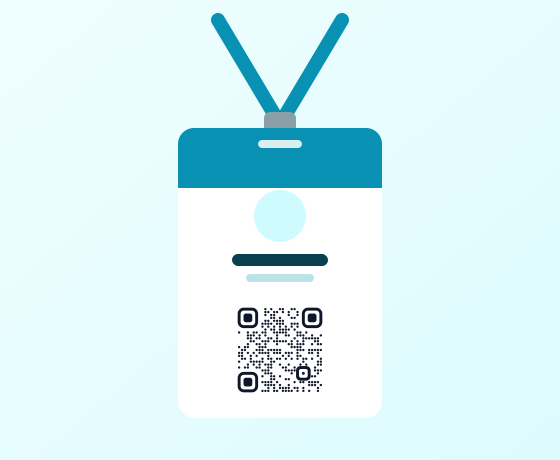
Trade show badge
On a lanyard at chest height, linked to your contact card or a booking page, so a chat at the booth becomes a lead.
- Round
- Soft corners
-
Local services
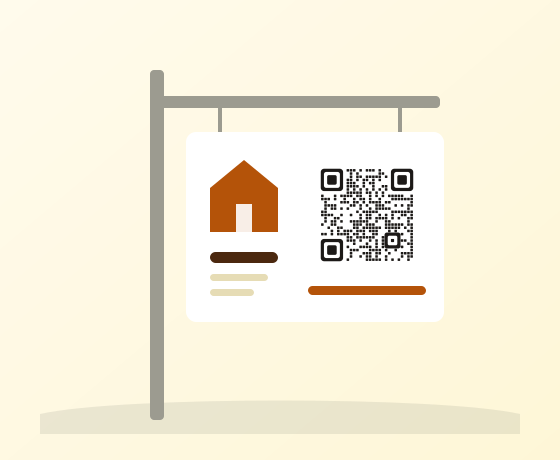
Open house sign
On the yard sign, large enough to scan from the pavement. Point it at the next listing once this one sells.
- Rounded Square
- Rounded corners
-
Local services
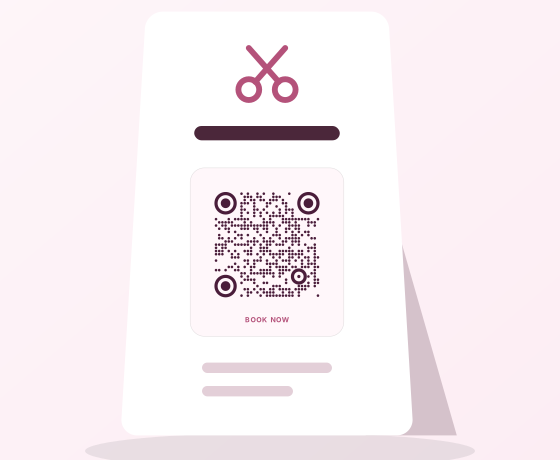
Salon booking card
A soft rose card on the reception desk that takes clients straight to your booking page.
- Round
- Circles
- Soft card · BOOK NOW
-
Local services
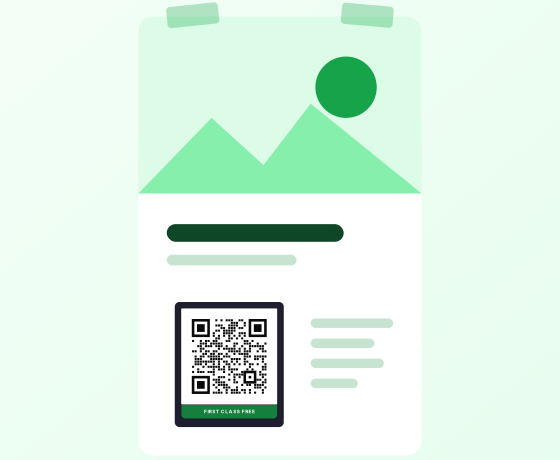
Gym trial poster
A bold dark frame on the poster offers the free first class. Give each poster its own code to see which wall works.
- Square
- Square corners
- Dark · FIRST CLASS FREE
-
Local services
Car window sheet
On the window sheet: full specs, photos and a test-drive form. Move the code to another car when this one sells.
- Rounded Square
- Soft corners
-
Personal
Business card
Graphite circles on light gray suit most card stock. One scan saves your details as a phone contact.
- Round
- Circles
-
Personal
Résumé
A small, calm code in the corner links to your portfolio, so a printed CV can still show your work.
- Round
- Soft corners
-
Personal
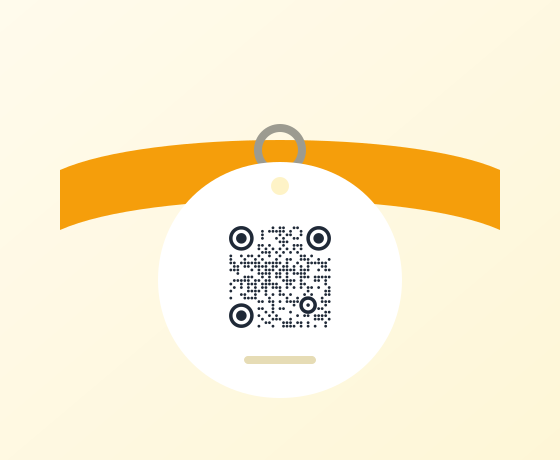
Pet tag
Round and simple so it survives a small tag. Update your phone number online without buying a new tag.
- Round
- Circles
-
Personal
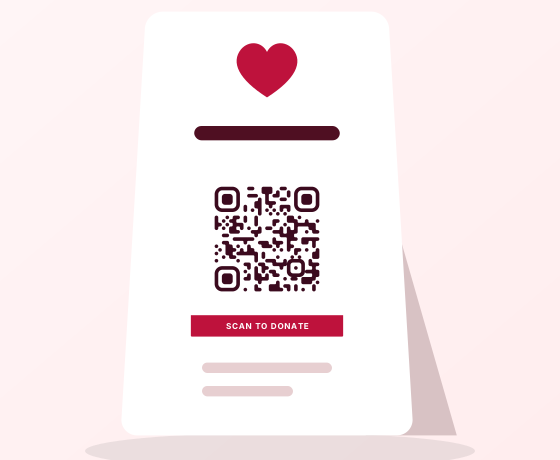
Donation card
A red label asks once, clearly. Link it to your donation page and see how many people scanned.
- Liquid
- Soft corners
- Label · SCAN TO DONATE
-
Marketing
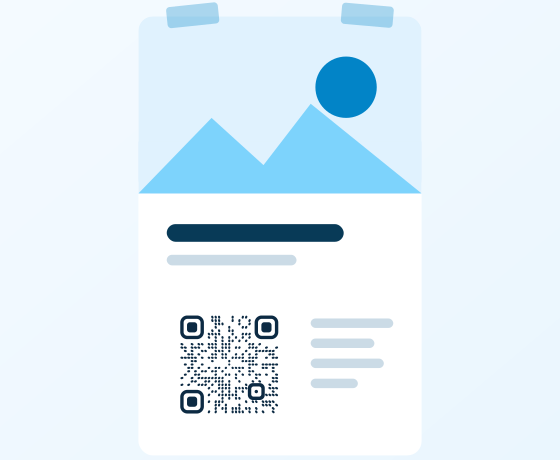
Event poster
Ray-shaped dots give a poster some energy. Put the code at eye level and say what people get for scanning.
- Rays
- Soft corners
-
Marketing
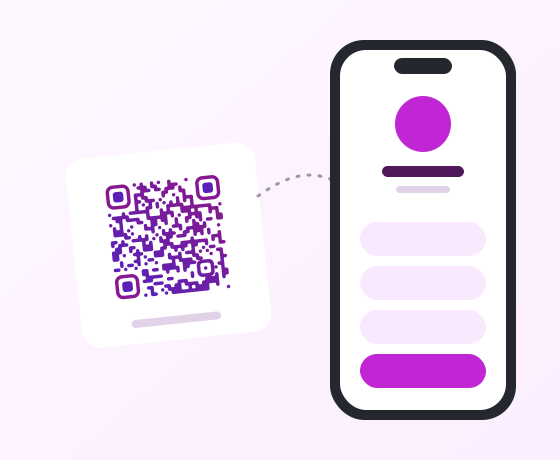
Social follow card
A pink-to-violet gradient for a link-in-bio page: one code that lists every profile you have.
- Liquid
- Soft corners
-
Marketing
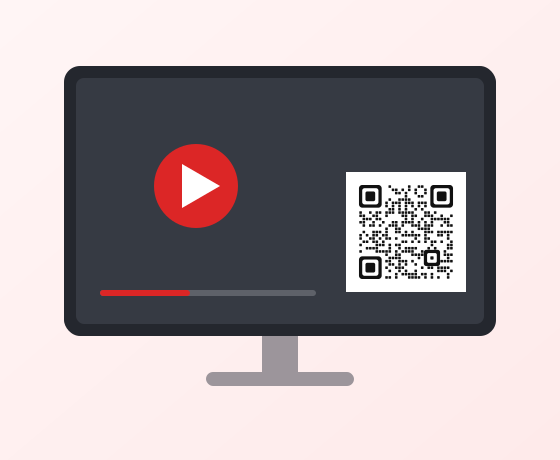
On-screen video link
On a slide or TV the code has to be large and high-contrast. Rounded modules stay crisp on screens.
- Rounded Square
- Rounded corners
-
Marketing
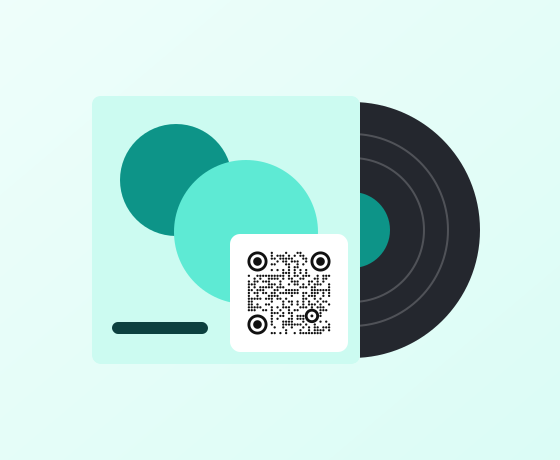
Album sleeve
On the back sleeve for a playlist, lyrics or tour dates. Black circles let the artwork stay in charge.
- Round
- Circles
-
Business & education
Asset label
Plain black squares are the most robust choice for labels that get scuffed and scanned with work phones.
- Square
- Square corners
-
Business & education
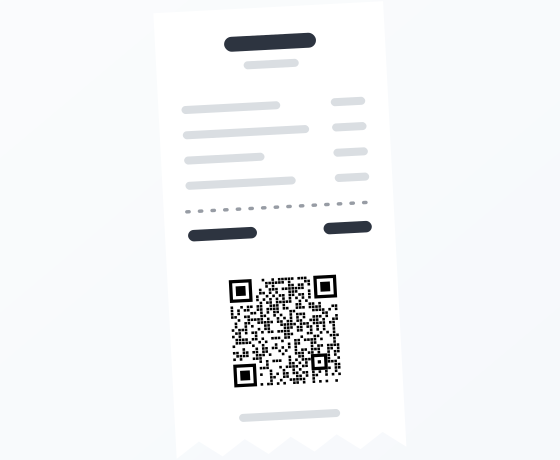
Receipt survey
Thermal printers only print black, and square modules stay sharp at receipt sizes.
- Square
- Square corners
-
Business & education
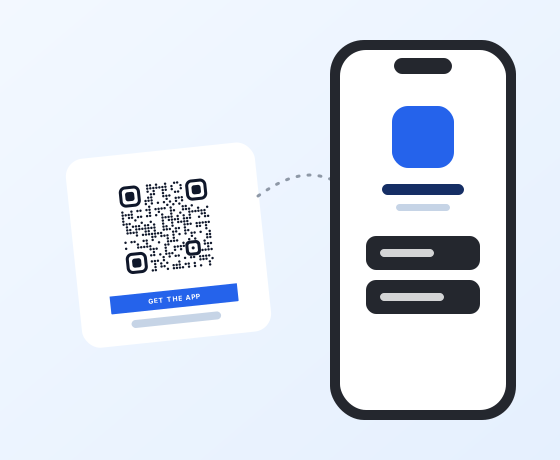
App download card
One code for both stores: iPhones go to the App Store, Android phones to Google Play.
- Round
- Soft corners
- Label · GET THE APP
-
Business & education
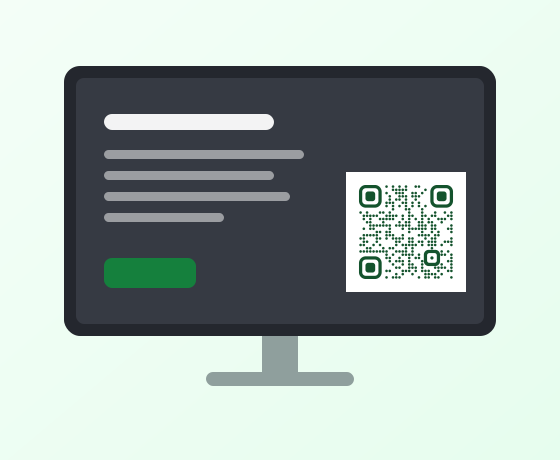
Classroom slide
A calm green code on a slide sends the class to a worksheet or quiz. Leave it on screen long enough to scan.
- Round
- Soft corners
-
Holidays
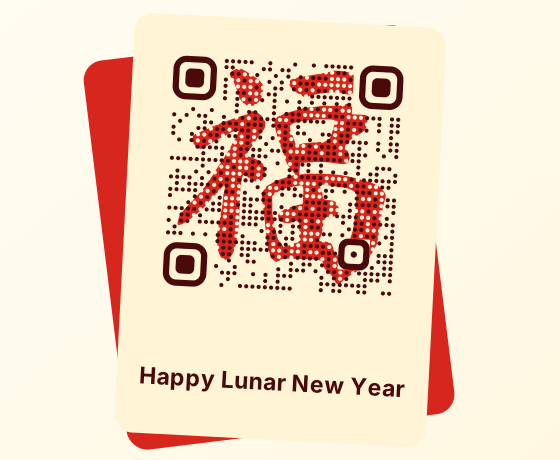
Lunar New Year card
The 福 character drawn by the code itself, in ink and vermilion. It is still a standard QR code.
- Theme: Lunar New Year · Fu
-
Holidays
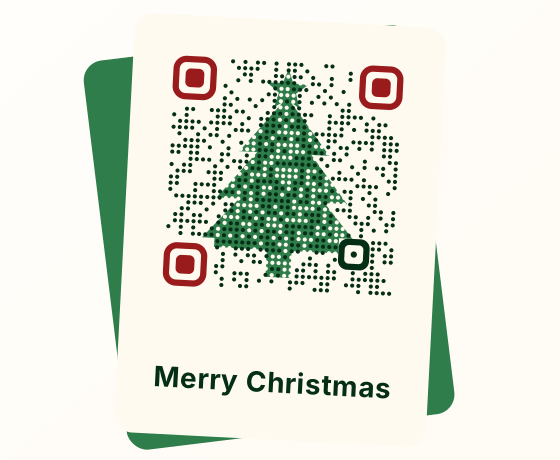
Christmas card
A tree pattern in forest green on cream for cards, gift tags and shop windows.
- Theme: Christmas tree
-
Holidays
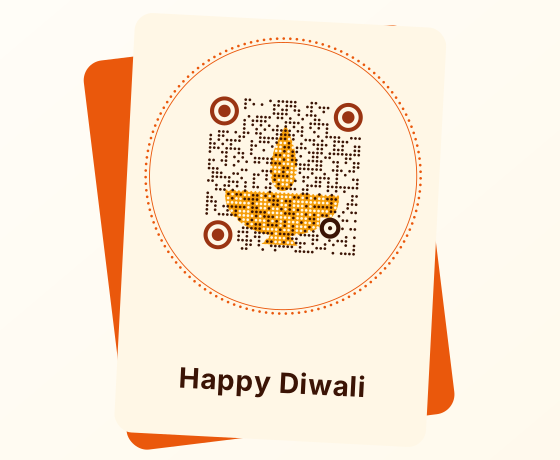
Diwali card
A diya inside a beaded ring, in saffron and gold, for greetings and festive offers.
- Theme: Diwali lamp
-
Holidays
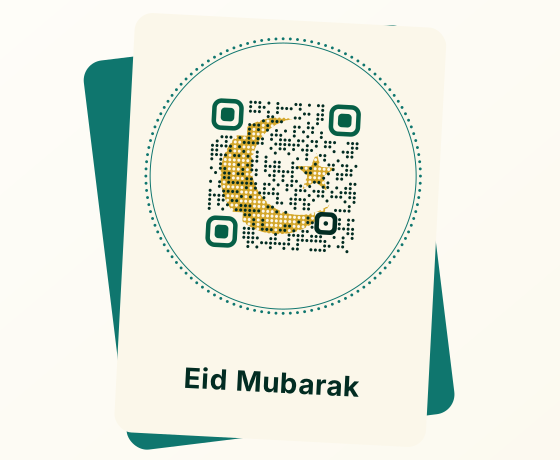
Eid card
A crescent and star inside a beaded ring, in deep green and gold.
- Theme: Eid crescent
-
Holidays
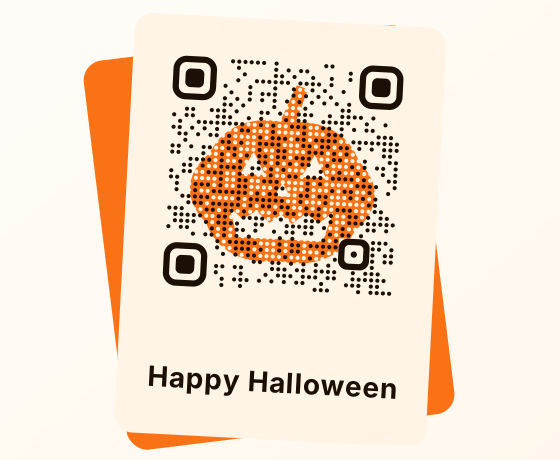
Halloween flyer
A pumpkin drawn in orange modules for party invites and seasonal menus.
- Theme: Halloween pumpkin
-
Holidays
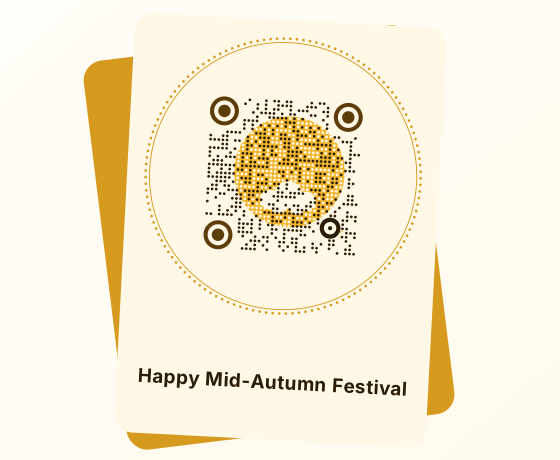
Mid-Autumn card
A full moon with a cloud in warm gold, for mooncake boxes and family greetings.
- Theme: Mid-Autumn moon
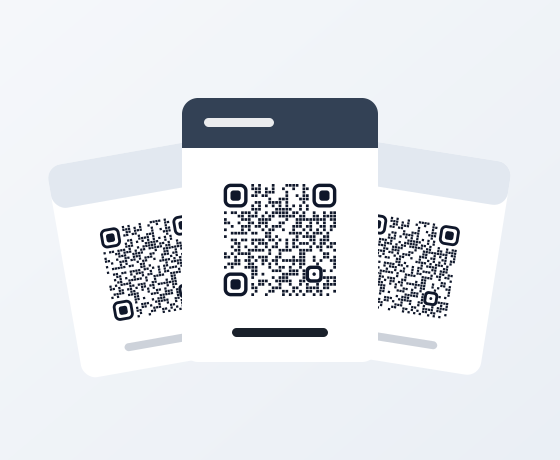
Scenes are illustrations, not customer stories. The codes in them are real: scan one and it opens that template in the editor.
Make it yours in three steps
Pick the closest scene
Filter by what you are making. The template sets the dot shape, colors, frame and the words on the frame.
Add your link or details
The editor opens with the right content type already chosen, whether that is a link, Wi‑Fi details or a contact card.
Check it, then print
The scan check scores your final version, logo and colors included. Not sure how big to print? Use the size calculator.
Questions about the templates
Are these real customer examples?
No. Each scene illustrates a common way to use a QR code. The codes in the pictures are real, though: scan one and it opens that template in the editor.
Can I change the colors and the frame text?
Yes. A template only sets the look: dot shape, corners, colors, frame and frame label. You can change any of it in the Style tab and add your own logo.
Will a styled code still scan?
Each template is decoded automatically at several sizes before it ships. In the editor, the scan check rates the version you actually made, so you see a problem before you print it.
Do the templates cost anything?
No. Every template is free, holiday themes included. Saving dynamic codes, the kind you can edit and track after printing, is free for up to 3 codes; Pro removes the limit.